

Press and creators
Corvo Reader press kit.
Everything you need to write about or film Corvo Reader 2.0: the facts, text you can paste, the demo video, logos and screenshots. Questions go straight to the developer.
Fact sheet
At a glance.
- Product
- Corvo ReaderFormerly Paradox Reader
- Developer
- DriftWork StudioSolo developer: Devon Dickson
- Platform
- Windows 10 and 11Works with any PC game running windowed or borderless
- Release
- Corvo Reader 2.0: 3 October 2026
- How it works
- Press Ctrl+Shift+E, draw a box, hear it readSaved regions read with one key. No mods.
- Built for
- Players with dyslexia, ADHD and visual fatigueAnd anyone who would rather listen than squint
- Price
- Free plan, no cardStandard neural voices, 20 minutes of narration a week
- Paid plans
- Core $6.99 · Plus $12.99 · Max $24.99 a month60 / 180 / 450 premium-voice minutes a week, unlimited standard voices, Summarize and Translate
Descriptions
Text you can paste.
Use either as it is, or cut it down. No need to ask.
Short (39 words)
Corvo Reader is a Windows app that reads the text in any PC game aloud. Press Ctrl+Shift+E, draw a box around a quest, tooltip or event, and a natural voice reads it. No mods. Free to start, no card.
Long (143 words)
Corvo Reader is game text to speech for Windows, made by DriftWork Studio. Press Ctrl+Shift+E, draw a box around any text on your screen, and a natural voice reads it aloud: quests, tooltips, events, dialogue and lore. Save the places you read most, like a dialogue box or an event window, and read them again with one key.
It works with any PC game running in windowed or borderless mode, with no mods. It was built for players with dyslexia, ADHD and visual fatigue, and for anyone who would rather listen than squint at small text.
The Free plan has standard neural voices for 20 minutes of narration a week, with no card needed. Core ($6.99), Plus ($12.99) and Max ($24.99) a month add up to 1, 3 or 7½ hours a week of premium narration, unlimited standard voices, and Summarize and Translate.
The founder story
Devon Dickson has put more than 3,000 hours into Europa Universalis IV. When EU5 arrived he was too tired after work to read its events, so he built a reader to read them to him.
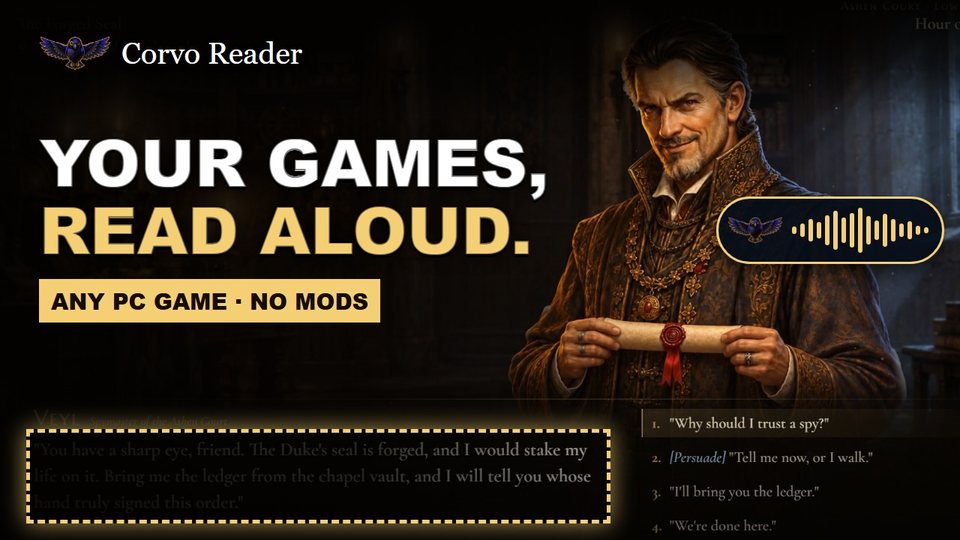 Watch on YouTube
Demo video
See it read a game.
Link to it or embed it from YouTube:
Downloads
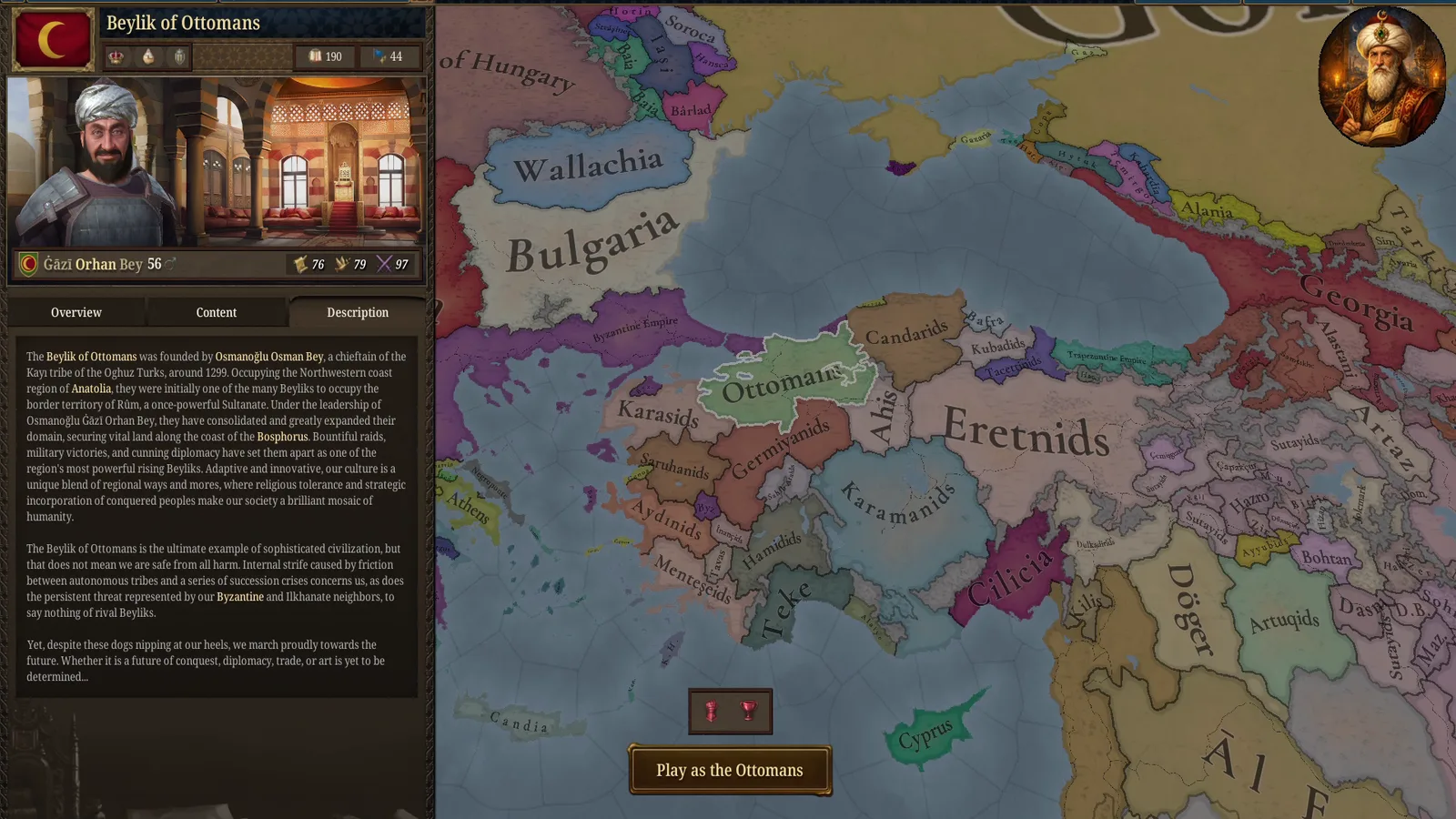
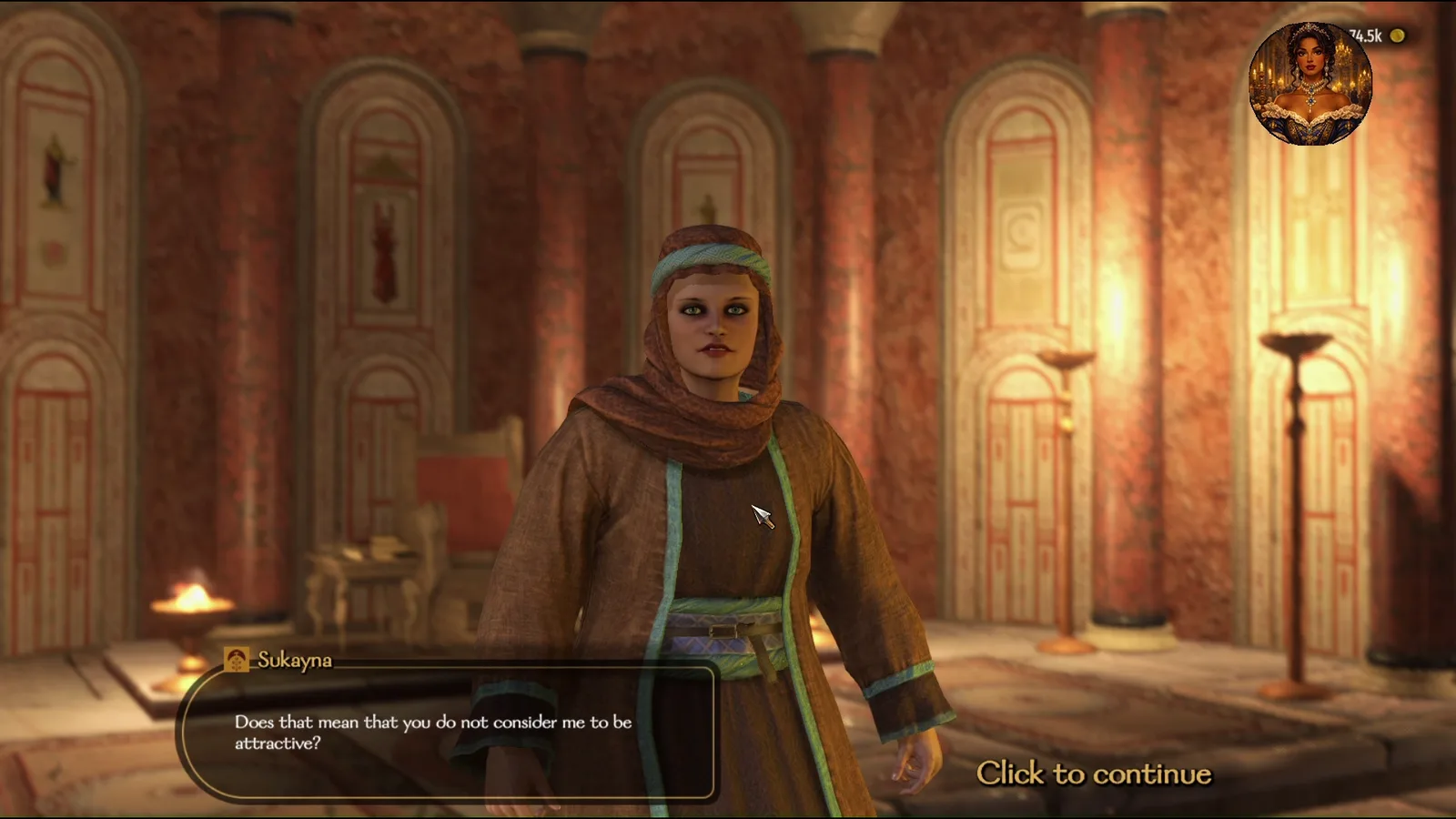
Logos and screenshots.
Free to use in coverage of Corvo Reader. Game artwork in the screenshots belongs to each game's publisher.



How to cover it
A few notes.
Show it in the game you already play
Corvo Reader works with any PC game on Windows. There is no special build or mod to install, so use whatever you are already playing on stream or in a video.
Your viewers can try it free
The Free plan has standard neural voices for 20 minutes of narration a week and needs no card. Point people to driftworkstudio.com/corvo-reader/download.
Set the game to windowed or borderless first
In exclusive fullscreen, Windows hides the game from other apps, so there is nothing to read. Borderless Windowed or Windowed both work.
It is a reading tool
It was built for players with dyslexia, ADHD and visual fatigue. Please describe it as a way to hear game text, not as a treatment for anything.
Questions or interviews?
A real person reads every message: Devon, who makes Corvo Reader.